








Filter by

Prashant Gavhane CFPยฎ CSMยฎ CSPOยฎ

 Explore our expert insights across Agile & Scrum, SAFe Agile, Project Management, Business Analysis, Product Management, Tools & Technology, Domain Knowledge, and Artificial Intelligence. Discover tips, best practices, and industry trends to enhance your skills, manage projects effectively, and stay ahead in the digital world.

Recent Posts

Categories

Tags

Nuvan Tech

๐ŸŒŸ Wireframes for Non-Designers: A BAโ€™s Guide to Visualizing Requirements

โ€œLearn wireframing for non-designer BAs โ€” step-by-step guide with benefits, tools, best practices, and future trends to visualize requirements effectively.โ€

โœจ Introduction: Why Wireframes Are a BAโ€™s Secret Superpower

Have you ever described a feature in words only to realize later that everyone pictured something different?

Thatโ€™s why wireframes exist. They let you show what you mean before a single line of code is written.

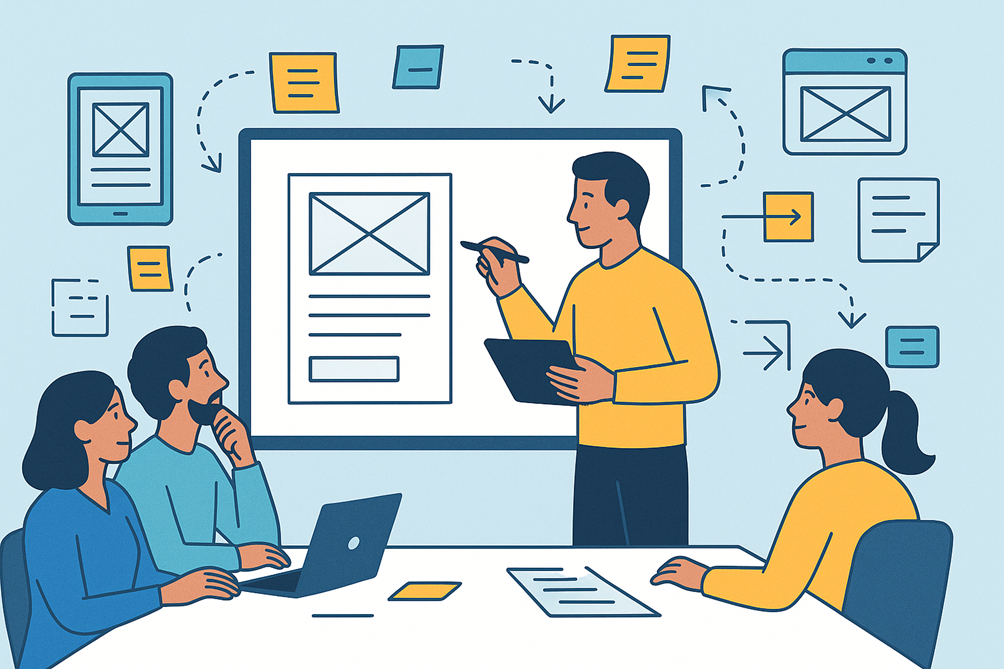
Wireframes arenโ€™t just for designers โ€” Business Analysts (BAs) can create simple, functional wireframes to communicate ideas effectively between stakeholders and tech teams.

In this blog youโ€™ll learn:

  • What wireframes are and why they matter
  • Key benefits for projects and stakeholders
  • Step-by-step guide for non-designers
  • Tools, tips, future trends, and real-world examples

๐Ÿ“ Section 1: What is a Wireframe?

A wireframe is a low-fidelity visual representation of a page or screen layout.
Think of it as a blueprint of an app or website โ€” it shows structure and placement but not the final design colors or branding.

๐Ÿ”‘ Key Features of a Wireframe:

  • Focuses on layout, navigation, and information hierarchy
  • Uses boxes, placeholders, arrows, and labels instead of polished graphics
  • Helps teams visualize ideas early without wasting time on visual design

๐Ÿ‘‰ Example:
For a banking appโ€™s login screen, a wireframe would show:

  • Logo placeholder
  • Username & password fields
  • Login button
  • โ€œForgot Passwordโ€ link

๐Ÿ’ก Tip: A wireframe answers โ€œwhere things go and how users move,โ€ not โ€œwhat colors or fonts to use.โ€

๐Ÿ“˜ Section 2: Why Wireframes Matter for BAs

BAs often serve as the bridge between business stakeholders and developers

BenefitWhy It Matters
Clarity & AlignmentReduces misunderstandings about features
Faster Feedback LoopsStakeholders react quicker to visuals than text
Cost SavingsCheaper to fix in wireframe stage than post-development
Better DocumentationBecomes a reusable artifact in BRDs, FRDs, or Jira tickets
Stronger CollaborationDesigners & devs know exactly whatโ€™s expected

๐Ÿ“Š Industry Insight:
According to the Nielsen Norman Group, visual prototypes reduce requirement ambiguity by up to 45% during early project phases.

๐Ÿ”Ž Section 3: Low-Fidelity vs High-Fidelity Wireframes

TypeDescriptionWhen to Use
Low-FidelitySimple sketches with boxes & labelsEarly brainstorming, workshops, quick validation
Mid-FidelityDigital gray-scale wireframes with alignmentDuring requirement elaboration
High-FidelityInteractive mockups with colors & brandingFor usability testing or design sign-off

๐Ÿชœ Section 4: Step-by-Step Guide โ€” Wireframing for Non-Designers

Step 1: Understand the User Flow

  • Identify actors, entry points, and outcomes
  • Example: โ€œCustomer โ†’ selects product โ†’ adds to cart โ†’ checks out

Step 2: Sketch on Paper or Whiteboard

  • Draw boxes for headers, menus, forms, buttons
  • Donโ€™t worry about perfection โ€” keep it quick & rough

Step 3: Label Every Element

  • Add notes like โ€œPrimary CTA buttonโ€ or โ€œOptional fieldโ€
  • Use arrows to show interactions or navigation

Step 4: Digitize Using Simple Tools

  • Recommended free/low-cost tools:
    • Balsamiq โ€“ very beginner-friendly
    • Miro / MURAL โ€“ great for remote workshops
    • Draw.io / Lucidchart โ€“ for structured diagrams
    • Figma / Adobe XD โ€“ for mid/high-fi wireframes

Step 5: Validate with Stakeholders

  • Walk them through screens step by step
  • Ask: โ€œIs this how you imagine the user will navigate?โ€

Step 6: Iterate Quickly

  • Update based on feedback
  • Keep version numbers & timestamps for documentation

Step 7: Link to BRDs & Jira Stories

  • Attach wireframes to requirement documents
  • Improves traceability & test case preparation

๐Ÿ”— Section 5: Common Wireframe Components BAs Should Know

ComponentPurpose
Header / NavigationShows how users move across pages
Forms / FieldsCaptures data entry points
Buttons / CTAsIndicates primary user actions
Placeholders (images)Visual spots for graphics or ads
Pop-ups / ModalsRepresents alerts or optional actions
AnnotationsExplains special behaviors or rules

๐Ÿš€ Section 6: Best Practices for Non-Designer BAs

  • โœ… Keep it simple & monochrome initially
  • โœ… Focus on functionality, not aesthetics
  • โœ… Use consistent iconography & fonts for readability
  • โœ… Always include annotations for dynamic fields or rules
  • โœ… Avoid clutter โ€” show only whatโ€™s needed for that screen

๐Ÿ’ก Pro Tip: A clear wireframe with labels is often more valuable than a colorful but unclear mockup.

๐Ÿ› ๏ธ Section 7: Tools Comparison Snapshot

ToolEase of UseCollaborationPriceBest For
Balsamiqโ˜…โ˜…โ˜…โ˜…โ˜…โ˜…โ˜…โ˜…โ˜…โ˜†Paid (trial)Non-designers, simple sketches
Miroโ˜…โ˜…โ˜…โ˜…โ˜†โ˜…โ˜…โ˜…โ˜…โ˜…FreemiumWorkshops, team brainstorming
Draw.ioโ˜…โ˜…โ˜…โ˜…โ˜†โ˜…โ˜…โ˜…โ˜…โ˜†FreeQuick diagrams & flowcharts
Figmaโ˜…โ˜…โ˜…โ˜…โ˜†โ˜…โ˜…โ˜…โ˜…โ˜…FreemiumInteractive mid/high-fi mockups

๐ŸŒŸ Section 8: Real-World Example

Scenario: Food Delivery App

  • BA creates low-fi wireframes of:
    • Home screen with restaurant cards
    • Menu listing & item details
    • Checkout flow

Outcome: Stakeholders quickly approve the flow, saving 3 weeks of back-and-forth emails

๐ŸŒ Section 9: Future of Wireframing

  • AI-powered wireframe generators โ€“ convert plain text requirements into draft wireframes
  • Voice-enabled prototyping โ€“ describe a screen, get instant layouts
  • Integrated Dev Handoff โ€“ tools exporting wireframes directly into code frameworks

โšก Trend Insight: By 2026, at least 50% of wireframing tools will offer AI-assisted layout suggestions, saving hours for BAs.

๐Ÿ† Section 10: Quick BA Wireframing Checklist

โœ… Understand user goals & flows
โœ… Start with paper sketches โ†’ digitize later
โœ… Keep early wireframes low-fi & focused
โœ… Annotate all functional elements
โœ… Review iteratively with stakeholders
โœ… Link final wireframes to BRDs & user stories

๐Ÿ Key Takeaways

  • Wireframes help align everyone early and reduce costly changes.
  • Non-designer BAs can easily create wireframes using the right tools.
  • Start with low-fi sketches, validate often, iterate quickly.
  • Wireframing is not about art โ€” itโ€™s about clarity and communication

๐Ÿ’ฌ Conclusion: Visualize to Realize

Wireframes act as a shared visual language for BAs, stakeholders, and tech teams.

๐Ÿ‘‰ If youโ€™ve never created one, start with a simple login screen sketch today โ€” youโ€™ll be amazed how much smoother discussions become.

๐Ÿ’ก Call to Action:
Share this guide with fellow BAs or PMs who struggle to explain requirements โ€” wireframing might become their favorite skill!

๐ŸŒŸ UML vs BPMN: When to Use Which Diagram in Real-World Projects

โ€œUML vs BPMN explained with definitions, benefits, steps, examples, and future trends to help you choose the right diagram for real-world projects.โ€

โœจ Introduction: UML or BPMN โ€” Which Should You Pick?

Have you ever started documenting a project and wondered,

โ€œShould I use a UML use-case diagram or a BPMN swimlane chart?โ€

Youโ€™re not alone!

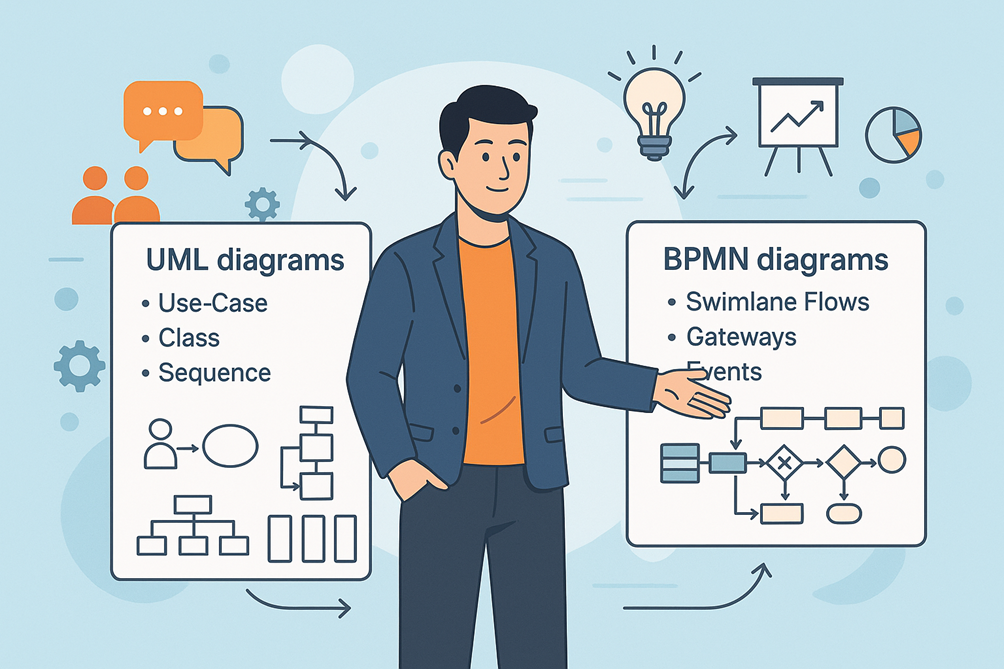
UML (Unified Modeling Language) and BPMN (Business Process Model and Notation) are two of the most popular diagramming languages used by Business Analysts, Product Owners, and Solution Architects.

Choosing the right one at the right time:

  • Prevents miscommunication between business and technical teams
  • Saves hours of rework
  • Makes documentation easier to understand

This blog will help you understand when and how to use UML vs BPMN in your real-world projects.

๐Ÿ“ Section 1: Understanding UML โ€” Unified Modeling Language

๐Ÿ“˜ Definition

UML is a standardized visual language for modeling the structure and behavior of software systems.
It was created by the Object Management Group (OMG) and is widely used in software engineering and system design.

๐Ÿ”‘ Purpose

UML answers the question:

โ€œHow will the system be built and how will its components interact?โ€

Itโ€™s most valuable for:

  • Describing system architecture
  • Modeling classes, objects, and their relationships
  • Showing data flow, states, and interactions

๐Ÿ”ฅ Popular UML Diagram Types

CategoryDiagram TypeWhen to Use
StructuralClass DiagramDefine entities & relationships
 Component DiagramShow modules and interfaces
BehavioralUse-Case DiagramCapture user goals and system boundaries
 Sequence DiagramShow message flow between components/users
 State Machine DiagramRepresent state changes of an object

๐Ÿ“Œ Static Insight:
UML is technology-agnostic but is often favored by developers and architects for its ability to explain software structure and data flow

๐Ÿ“ Section 2: Understanding BPMN โ€” Business Process Model and Notation

๐Ÿ“˜ Definition

BPMN is a graphical notation specifically designed to represent business workflows and processes.
Also standardized by OMG, BPMN is business-friendly, focusing on โ€œhow work gets doneโ€.

๐Ÿ”‘ Purpose

BPMN answers the question:

โ€œWhat steps does the business process follow from start to finish?โ€

Itโ€™s best for:

  • Mapping end-to-end workflows
  • Highlighting handoffs between departments
  • Identifying bottlenecks and optimization opportunities

๐Ÿ”ฅ Key BPMN Elements

ElementSymbolUsage
Start / EndCircle / Bold CircleEntry and exit points of the process
Activities/TasksRounded RectanglesSteps performed by actors
GatewaysDiamondsDecision points (Yes/No, parallel branches)
EventsDouble CirclesMessages, timers, or signals triggering steps
SwimlanesHorizontal BandsShow responsibilities of different actors

๐Ÿ’ก Static Insight:
BPMN diagrams are easier for non-technical stakeholders to read compared to UML because they focus on business flow, not code logic

๐Ÿ”Ž Section 3: UML vs BPMN โ€” A Side-by-Side Comparison

FeatureUMLBPMN
FocusSoftware/system designBusiness process flows
AudienceDevelopers, architects, QA teamsBusiness users, BAs, process owners
Notation14 diagram types4 main diagram categories
ComplexityTechnical, detailedBusiness-oriented, intuitive
Best ForModeling how the system worksMapping how the work flows
Typical DeliverableClass, Sequence, Use-Case diagramsSwimlane diagrams, flowcharts

๐Ÿ’ก Rule of Thumb:
Use UML for system behavior and technical design, and BPMN for high-level workflows and stakeholder discussions.

๐ŸŒŸ Section 4: Benefits of Using the Right Diagram at the Right Time

BenefitWhy It Matters
Clarity in CommunicationVisuals speak louder than words
Stakeholder AlignmentBPMN simplifies business understanding
Better Handoff to Dev TeamsUML diagrams translate business goals to code
Reduced ReworkRight diagram prevents misinterpretation
Improved DocumentationVisual artifacts stay useful throughout SDLC

๐Ÿชœ Section 5: Step-by-Step Guide to Choosing the Right Diagram

Step 1: Identify Your Audience

  • If explaining workflows to business leaders โ†’ use BPMN
  • If discussing system interactions with devs โ†’ use UML

Step 2: Define Your Objective

  • Want to optimize processes โ†’ choose BPMN
  • Want to design a new software component โ†’ choose UML

Step 3: Select the Diagram Type

  • For requirements gathering: Use Use-Case Diagram (UML) + BPMN swimlanes for clarity
  • For development discussions: Use Sequence or Class Diagram (UML)

Step 4: Use the Right Tool

  • For UML: Lucidchart, Draw.io, Visual Paradigm, Enterprise Architect
  • For BPMN: Miro, Signavio, Bizagi, Camunda Modeler

Step 5: Keep Diagrams Simple

  • Limit the number of symbols
  • Use clear labels and color codes for readability

Step 6: Validate with Stakeholders

  • Review BPMN diagrams with business users
  • Review UML diagrams with devs and testers

๐Ÿ”— Section 6: Real-World Use-Case Example

Scenario: Loan Approval in a Fintech Company

  • BPMN Diagram: Used to visualize the customer journey โ€” application, document upload, verification, approval.
  • UML Use-Case Diagram: Shows how customers, loan officers, and backend systems interact with the loan application software.
  • UML Sequence Diagram: Details the order of API calls when documents are validated.

๐Ÿ‘‰ Takeaway: Both diagrams are complementary โ€” start with BPMN for process flow, then use UML to define system details

๐Ÿ› ๏ธ Section 7: Recommended Tools & Their Adoption

ToolTypeUsage
LucidchartUML/BPMNBrowser-based, easy collaboration
Visual ParadigmUMLRich features for architecture diagrams
Camunda ModelerBPMNIdeal for workflow automation projects
Bizagi ModelerBPMNGreat for business-centric process maps
Draw.io (diagrams.net)UML/BPMNFree and versatile

๐Ÿš€ Section 8: Future Trends โ€” UML & BPMN in the AI-Driven World

  • AI-Assisted Diagram Generation: Tools like Miro AI will auto-suggest process flows.
  • AR/VR-Enabled Workshops: Virtual reality for interactive workflow sessions.
  • Integrated DevOps Pipelines: UML sequence diagrams auto-generated from code.
  • BPMN-to-Automation Engines: BPMN flows feeding directly into RPA tools.

โšก Insight: By 2026, more than 60% of enterprises will integrate BPMN diagrams directly into workflow automation platforms

๐Ÿ“ Section 9: Quick Checklist for BAs & PMs

โœ… Use BPMN for workflows โ†’ process clarity
โœ… Use UML for system design โ†’ technical accuracy
โœ… Donโ€™t mix symbols unnecessarily
โœ… Always validate diagrams with the target audience
โœ… Keep artifacts updated during Agile sprints

๐Ÿ† Key Takeaways

  • BPMN = What work gets done | UML = How the system works
  • Using the right diagram improves alignment, reduces rework, and boosts delivery speed.
  • Both are complementary โ€” start with BPMN to understand the business process, then move to UML for implementation details.

๐Ÿ’ฌ Conclusion: Choose Smartly, Deliver Confidently

The debate between UML and BPMN isnโ€™t about which is better โ€” itโ€™s about using the right tool for the right job.

A skilled BA knows:

  • BPMN wins at simplifying complex workflows for stakeholders.
  • UML shines at bridging the gap with architects and developers.

๐Ÿ‘‰ Start your next project by asking:

โ€œAm I explaining the process or the system?โ€ Your answer will tell you which diagram to draw first

๐ŸŒŸ A Complete BA Deliverables Checklist: BRD, SRS, RTM & More Explained

โ€œA complete BA deliverables checklist: BRD, SRS, RTM, and more โ€” learn definitions, benefits, steps, tools, and best practices to ensure project success

โœจ Introduction: Why BA Deliverables Define Project Success

Ever been in a project where nobody knows which document is the latest version or key requirements got lost?
Thatโ€™s where a well-defined set of BA deliverables saves the day.

A Business Analystโ€™s deliverables act as the blueprint, roadmap, and contract between stakeholders and delivery teams.
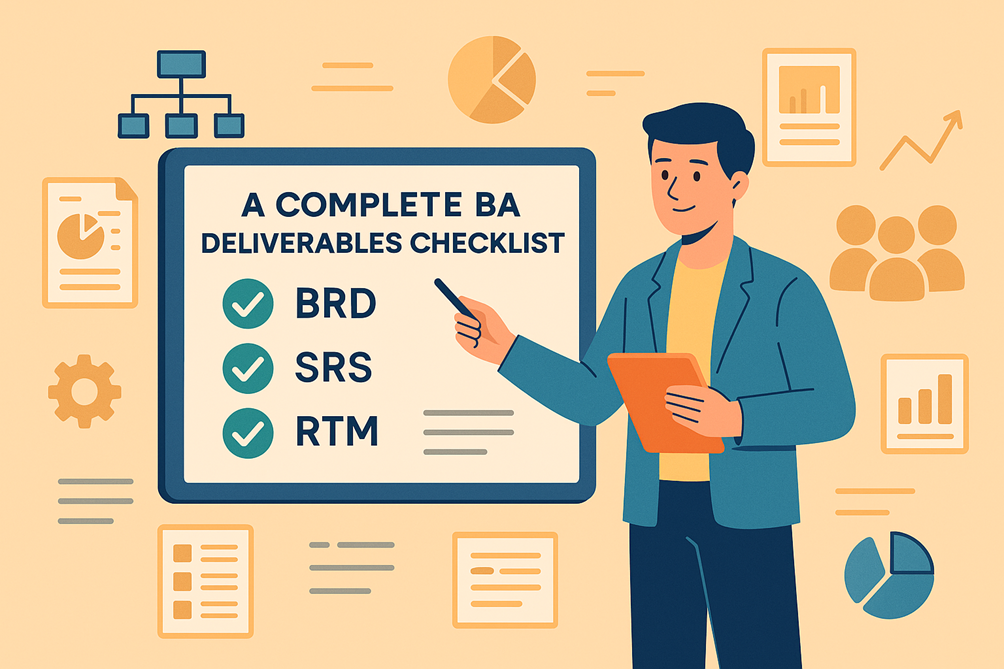
Whether itโ€™s a Business Requirements Document (BRD), a System Requirements Specification (SRS), or a Requirements Traceability Matrix (RTM), each artifact plays a critical role in avoiding confusion, managing scope, and ensuring successful delivery.

In this guide, weโ€™ll cover:

  • Core BA deliverables and their purpose
  • Benefits of maintaining a deliverables checklist
  • Step-by-step approach to creating each key document
  • Future trends like AI-assisted documentation

๐Ÿ“ Section 1: What Are BA Deliverables?

BA deliverables are the documents, diagrams, and visual assets a Business Analyst creates to:

  • Capture business needs and solutions
  • Align stakeholders, developers, and testers
  • Track requirements across the Software Development Life Cycle (SDLC)

๐Ÿ‘‰ In short: Deliverables translate ideas into structured, actionable insights.

๐ŸŒŸ Section 2: Why a Deliverables Checklist Matters

BenefitWhy Itโ€™s Important
ConsistencyEnsures all projects follow a standard documentation process
TransparencyKeeps stakeholders informed about progress
TraceabilityTracks requirements from idea to implementation
Compliance & Audit ReadinessEssential for regulated industries like Finance & Healthcare
Reduced ReworkClear documents prevent scope misunderstandings

๐Ÿ”Ž Section 3: The Complete BA Deliverables Checklist

Hereโ€™s a comprehensive list of key deliverables, grouped by project phases:

1. Initiation Phase

  • Project Vision Document: Describes the purpose, scope, and goals.
  • Stakeholder Register: Identifies key players and their roles.
  • Business Case: Justifies the investment in the project

2. Requirements Phase

  • Business Requirements Document (BRD): Captures what the business needs.
  • Stakeholder Analysis Matrix: Shows influence, interest, and engagement levels.
  • Requirements Elicitation Notes: Summaries from interviews and workshops.
  • Process Maps & Workflows: Often modelled with BPMN diagrams

3. Analysis & Design Phase

  • Functional Requirements Document (FRD): Explains how the solution will meet BRD needs.
  • System Requirements Specification (SRS): Defines functional & non-functional system specs.
  • Use-Case Diagrams (UML): Visualize user interactions with the system.
  • Wireframes & Mockups: Demonstrate user interfaces.
  • Data Flow Diagrams (DFD): Show how data moves across systems.

4. Traceability & Validation Phase

  • Requirements Traceability Matrix (RTM): Links each requirement to test cases and delivery status.
  • Gap Analysis Document: Highlights whatโ€™s missing compared to current processes.
  • Acceptance Criteria Checklist: Defines measurable conditions for requirement approval.

5. Testing & Delivery Phase

  • User Acceptance Test (UAT) Plan & Scripts: Ensures business validation before release.
  • Change Request Log: Tracks approved changes with their impact on scope/timeline.
  • Transition Plan: Supports handover to operations or support teams.

6. Post-Implementation

  • Lessons Learned Report: Captures insights for future projects.
  • Post-Project Review Document: Measures project outcomes against objectives

๐Ÿ”ฅ Section 4: Spotlight on Key BA Deliverables

๐Ÿ“‚ 1. Business Requirements Document (BRD)

Defines business needs, scope, and objectives.
Acts as a contract between business stakeholders and delivery teams.

๐Ÿ‘‰ Key Sections: Executive Summary, Business Goals, High-Level Requirements, Scope & Out of Scope.

๐Ÿ“„ 2. Functional Requirements Document (FRD)

Details specific solution features, rules, and workflows derived from the BRD.

๐Ÿ‘‰ Example: โ€œSystem must generate invoice PDFs automatically after checkout.โ€

๐Ÿ–ฅ๏ธ 3. System Requirements Specification (SRS)

Bridges business needs and technical implementation, specifying:

  • Functional requirements
  • Non-functional requirements (e.g., performance, security)
  • Integration details.

๐Ÿ”— 4. Requirements Traceability Matrix (RTM)

Ensures every requirement is implemented and validated.
Tracks requirement ID โ†’ linked test case โ†’ deployment status

๐Ÿ—บ๏ธ 5. Process Maps & Workflows

Visual diagrams (like BPMN swimlanes) that illustrate the end-to-end business process.

๐ŸŽจ 6. Wireframes & Mockups

Provide visual context for user interfaces, improving understanding of requirements.

๐Ÿชœ Section 5: Steps to Create and Manage BA Deliverables

Step 1: Understand Project Scope & Goals

  • Align with business sponsors and project managers.

Step 2: Identify Required Deliverables

  • Choose based on methodology (Waterfall vs Agile) and regulatory needs.

Step 3: Use Templates for Consistency

  • Standardize formats for BRD, SRS, RTM to save time.

Step 4: Collaborate with Stakeholders

  • Co-create diagrams, workflows, and wireframes during workshops.

Step 5: Version Control & Documentation

  • Use tools like Confluence, SharePoint, or Jira to manage document versions.

Step 6: Review & Approve Validate deliverables with stakeholders and sign-offs at each phase

๐ŸŒ Section 6: Tools for BA Deliverables

Deliverable TypeRecommended Tools
BRD, FRD, SRSMS Word, Confluence, Google Docs
RTMExcel, Smartsheet, Jira + Zephyr
Process Maps & WorkflowsLucidchart, Visio, Draw.io
WireframesBalsamiq, Figma, Adobe XD
Collaboration & StorageSharePoint, Notion, Confluence

โš™๏ธ Section 7: Best Practices for BA Deliverables

  • โœ… Start with a deliverables checklist for each project
  • โœ… Maintain traceability links across documents
  • โœ… Keep visual artifacts (diagrams, workflows) simple and clear
  • โœ… Review frequently with stakeholders to prevent gaps
  • โœ… Automate updates where possible to save time

๐Ÿšง Section 8: Common Mistakes to Avoid

MistakeImpact
Skipping stakeholder reviewsLeads to missed requirements
Creating overly detailed documents too earlyCauses delays and confusion
Not updating RTM during scope changesLeads to defects and testing failures
Storing deliverables across multiple platformsCauses version conflicts and lost data

๐Ÿ”ฎ Section 9: Future Trends in BA Deliverables

  • AI-powered documentation assistants to auto-generate drafts from workshops
  • Integrated dashboards connecting BRDs to live project KPIs
  • Real-time collaborative diagrams for hybrid and remote teams
  • Blockchain-backed document verification for compliance-heavy industries

๐Ÿ† Section 10: Quick BA Deliverables Checklist

โœ… Project Vision Document
โœ… Stakeholder Register
โœ… BRD โ†’ FRD โ†’ SRS
โœ… Process Maps & Workflows
โœ… RTM โ†’ Gap Analysis โ†’ UAT Scripts
โœ… Change Request Log โ†’ Transition Plan
โœ… Lessons Learned & Post-Project Review

๐Ÿ Key Takeaways

  • BA deliverables are the backbone of successful projects.
  • A checklist approach reduces risks and improves collaboration.
  • Combining clear documentation with modern tools makes BA work faster, easier, and more transparent

๐Ÿ’ฌ Conclusion: Deliverables that Drive Clarity and Success

Strong BA deliverables arenโ€™t just paperwork โ€” theyโ€™re communication tools that align everyone on what needs to be built and how success will be measured. ๐Ÿ‘‰ Whether youโ€™re a new BA or a seasoned pro, following a structured deliverables checklist will help you ensure quality, compliance, and stakeholder confidence in every project

๐Ÿ’ก Call to Action

Download this checklist and start using it in your next project kickoff meeting โ€” your future self will thank you.

Scroll to Top